
Presentation Design · 2026 · Self-initiated concept
Halcyon Grid
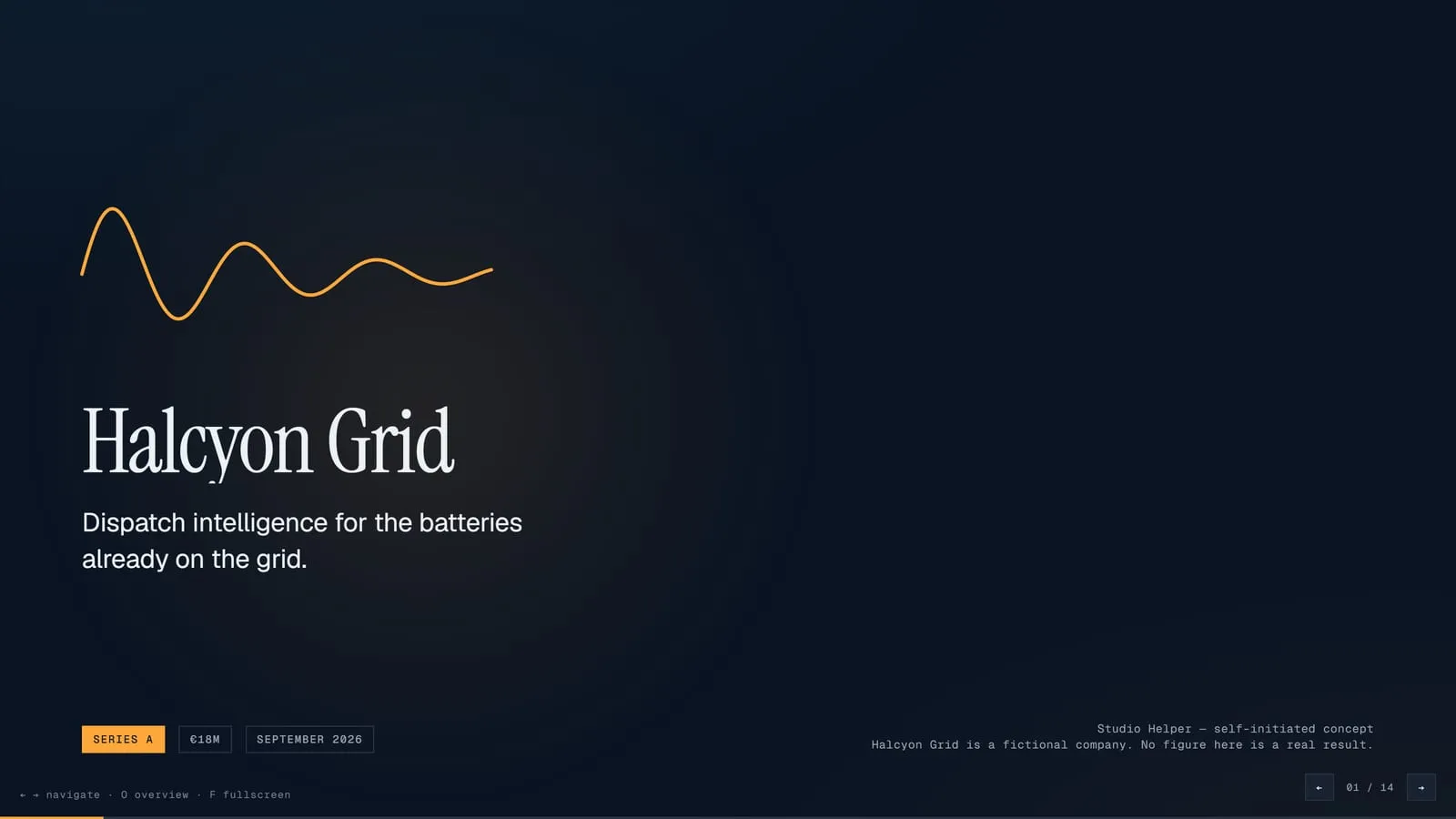
A fourteen-slide Series A deck for a fictional grid-battery software company.
- Format
- Live HTML · PDF, 14 pages
- Discipline
- Presentation Design
- Year
- 2026
- Tools
- 4
Overview
Halcyon Grid is a Series A deck for a company that does not exist: software that decides when batteries already on the grid should charge and discharge. Fourteen slides carry the whole argument.
Challenge
Investor decks often bury the idea under charts. This one had to make a technical business clear in a few minutes, with numbers a reader could trust at a glance.
Solution
The deck opens on one line: the largest battery on the grid is the one nobody built. Colour does one job. Cyan always means charge and amber always means discharge, so every chart reads without a legend. The charts are computed from data rather than drawn by hand.
Process
- 01
Argument
Wrote the story slide by slide before designing anything.
- 02
System
Set the palette, grid and type scale in Python, with contrast checked for every pairing.
- 03
Charts
Generated each chart's geometry from its data and placed it in the master.
- 04
Export
Produced a presentation PDF from the HTML master.
Screenshots
Sample Material
Everything behind the project, as it was delivered.
The live build
One HTML file that runs in the browser with nothing to install. Its typefaces load from the web, so it needs a connection to look as designed.
Tools used
- HTML & CSS
- SVG
- Python
- Puppeteer
Outcomes
- Fourteen slides on one master component system.
- A two-colour rule that lets every chart read without a key.
- Charts generated from data, so a changed number redraws its chart.
This is a self-initiated concept. The outcomes describe what was made and measured, not results for a client.