
UI/UX & Product Design · 2026 · Self-initiated concept
Marginalia
A product concept for reading a text a second time: a margin rule, a notation and an edition.
- Format
- Live HTML · PDF, 6 pages
- Discipline
- UI/UX & Product Design
- Year
- 2026
- Tools
- 6
Overview
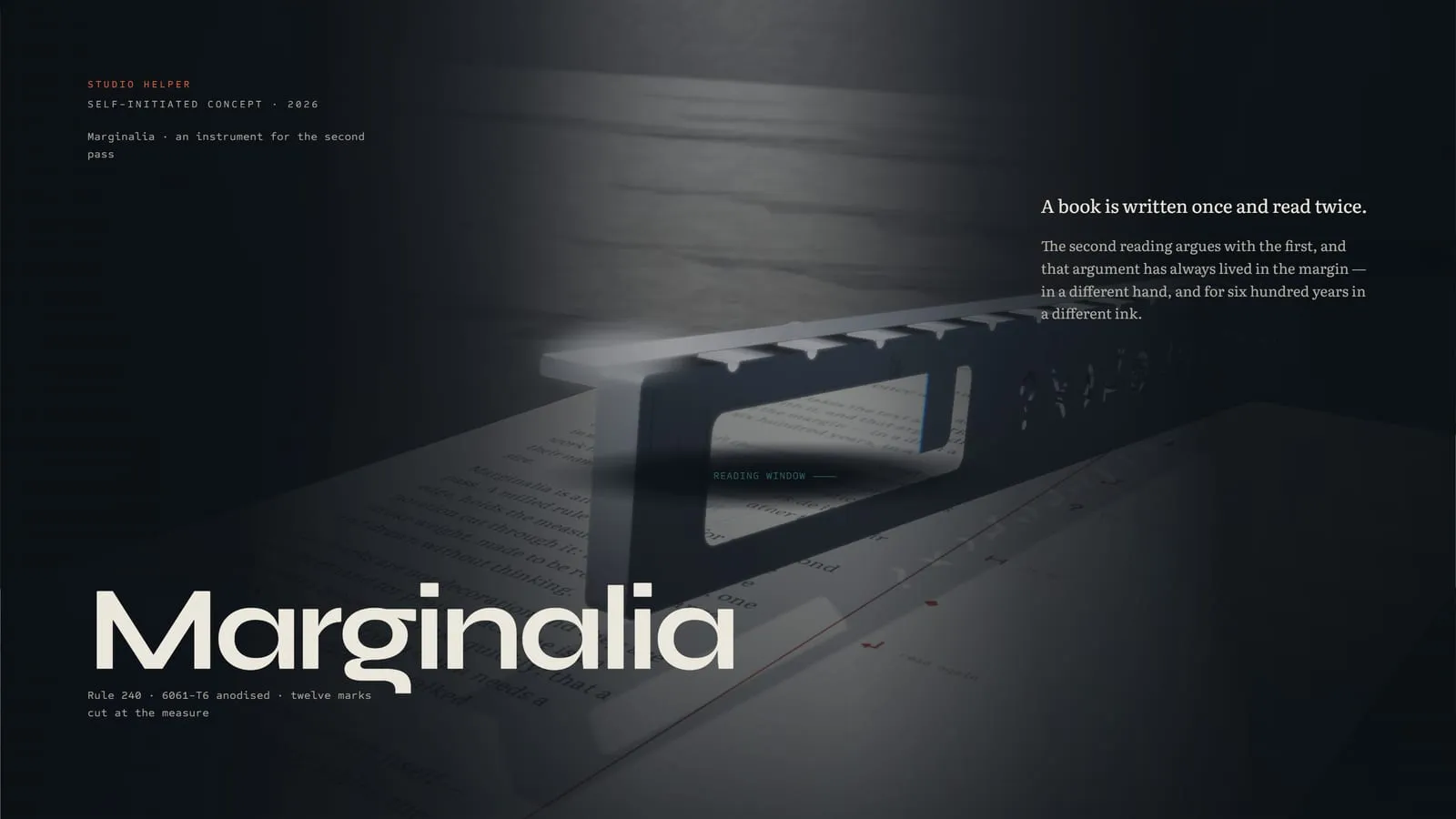
Marginalia is a system for reading a text again: a milled aluminium rule that registers on the page edge, a notation of twelve marginal marks cut through it, and a two-ink edition set on a measured margin. It exists only as this concept.
Challenge
The product had to convince without a factory. Materials, dimensions and use needed to be shown well enough that a reader believes it could be made, and the notation had to be simple enough to learn in one sitting.
Solution
The premise comes from manuscript production, where the red was a separate pass by a different hand. The text is the first pass and the margin is the second. The rule, the twelve marks and the edition sit in one interactive HTML object that renders the rule in the browser.
Process
- 01
Premise
Grounded the concept in how manuscripts were corrected and rubricated.
- 02
Notation
Drew twelve marks on one stroke weight and one grid.
- 03
Object
Rendered the rule's parts and materials in the browser.
- 04
Edition
Set a two-ink edition and exported it as a PDF.
Screenshots
Sample Material
Everything behind the project, as it was delivered.
The live build
One self-contained HTML file that runs in the browser, offline, with nothing to install.
Tools used
- HTML & CSS
- JavaScript
- Canvas
- Python
- fontTools
- Puppeteer
Outcomes
- A notation of twelve marks on a single grid.
- A product shown in four parts and four materials.
- One offline HTML file with the fonts, geometry and renderer inside.
This is a self-initiated concept. The outcomes describe what was made and measured, not results for a client.